Ducky One 3 SF macros and bindings
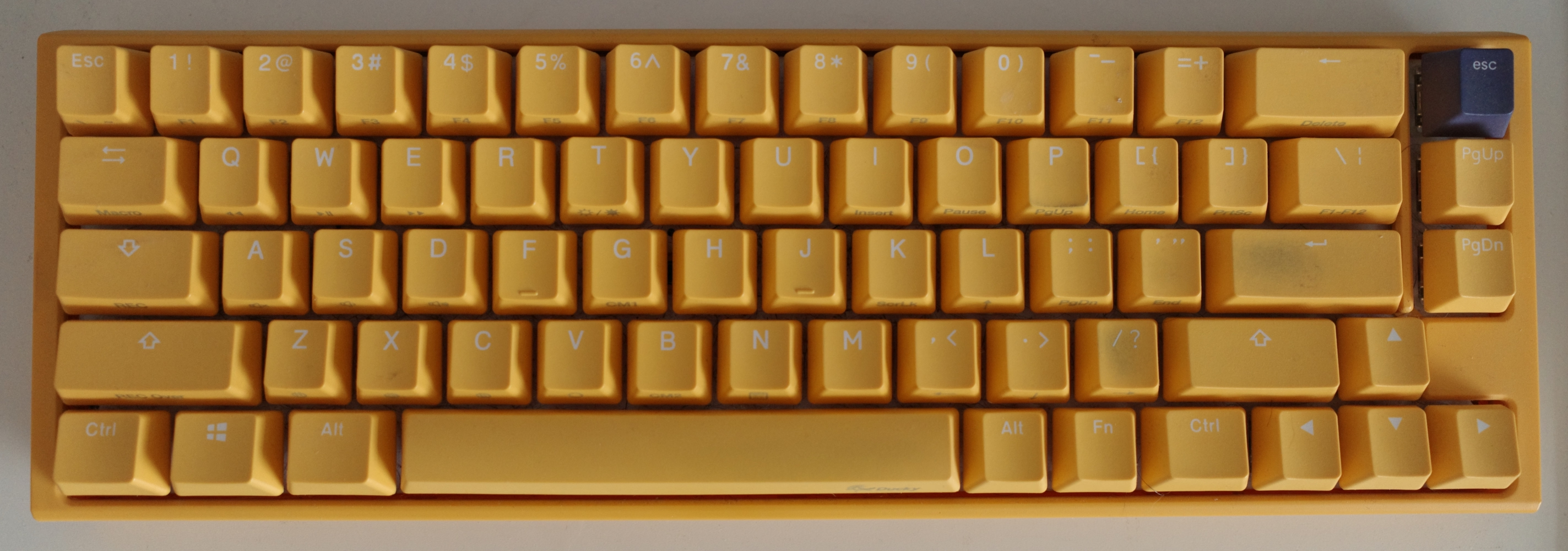
I always forget this stuff so putting it here for a reference.
My settings
Caps lock -> Fn
Fn + h -> left
Fn + j -> down
Fn + k -> up
Fn + l -> right
Fn + f -> page down
Fn + b -> page up
Del -> Esc
Esc -> backtick
Fn + Esc -> Esc
To summarize: Caps lock as function (Fn), vim arrow keys, regular backtick/tilda, swap delete to Esc
Guide
1) Switch to a profile other than 1
Fn + Alt + 2 for profile 2
Profile 1 cannot be changed.
You can verify this with Fn + Alt + Esc. The profile number will blink.
2) Caps lock -> Fn
Must use "Key Switch Functions" which is different than macro mode for other key remapping.
Fn + Alt + kfor 5 seconds- Press
Capslockonce - Press
Escto finish
3) Other bindings with macro recording mode
In general:
Fn + Alt + Tabfor 3 seconds to enter recording mode- Press the key (or key combo) you want to rebind
- Press the new key it should become
Fn + Alt + Tabto save that macro- You can continue setting or exit exit recording mode with
Fn + Alt + Tab
Example for Fn + j -> down:
- Be in recording mode
- Press
Fnandj - Press
down arrow Fn + Alt + Tabto save
If you changed Caps lock to Fn, you must use the dedicated Fn key to set your binding.
Example for Del -> Esc:
- Be in recording mode
- Press
Del - Press
Esc Fn + Alt + Tabto save
Example for Fn + Esc -> Esc:
- Be in recording mode
- Press
FnandEsc - Press
Esc Fn + Alt + Tabto save
Notes
The manual says that once you enter recording mode, "Caps Lock or indicator lights will flash slowly". I only see the Fn key turn red on mine.
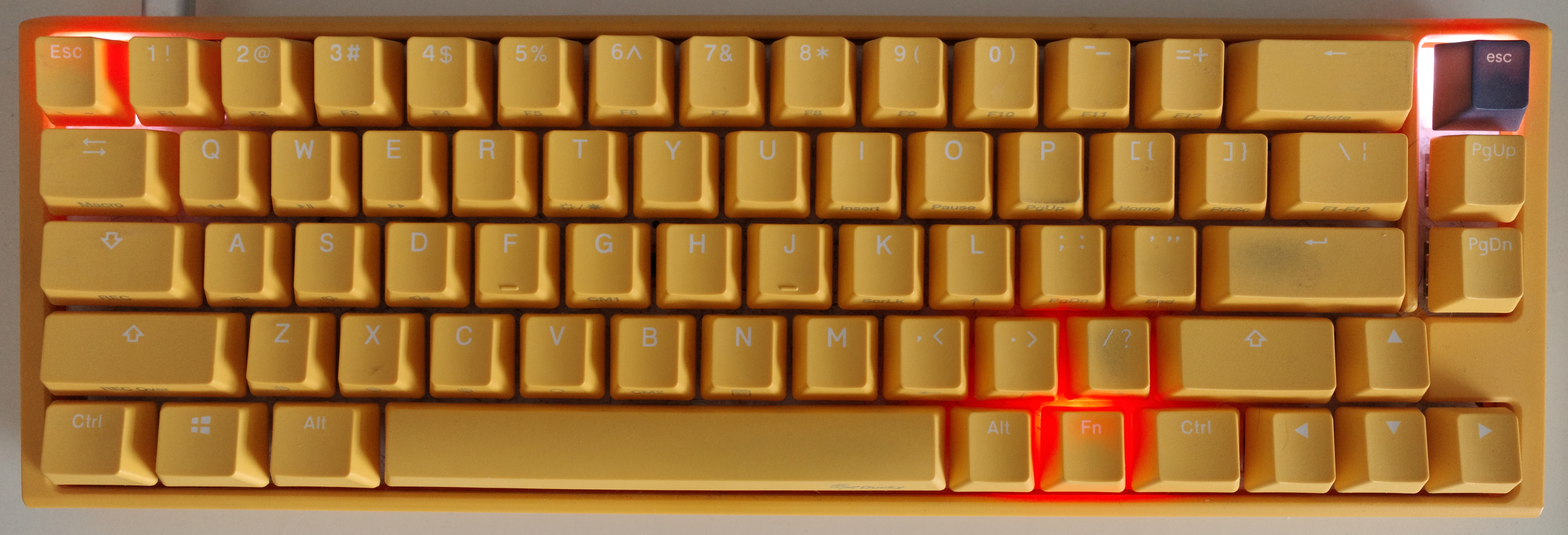
When you enter macro recording mode the keys you have set macros for will be illuminated.
Here you can see Del,Esc light up because I have these set as macros:
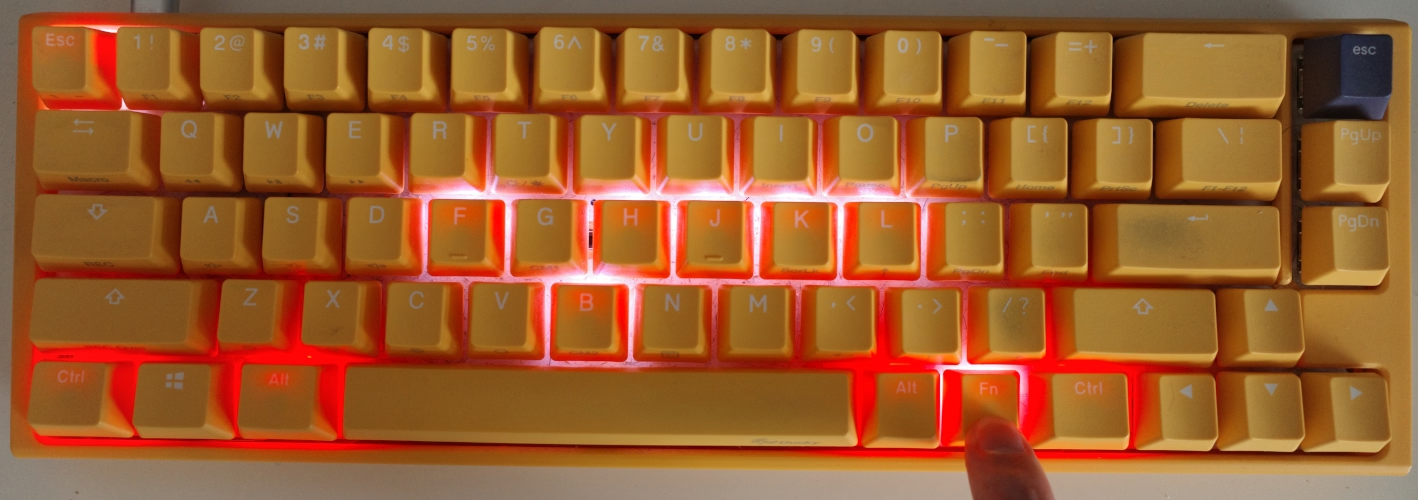
When you hold Fn in recording mode you'll see the keys you have set macros for that lead with Fn illuminated.
So here you can see all the h,j,k,l,f,b,Esc light up because I have Fn + h, Fn + j, Fn + k ... already set: